

Which Network Should I Use for Crypto Deposits on Betida? – ERC-20, TRC-20, SOL, POL Guide
Published on - Nov 19, 2025 at 08:11 PM
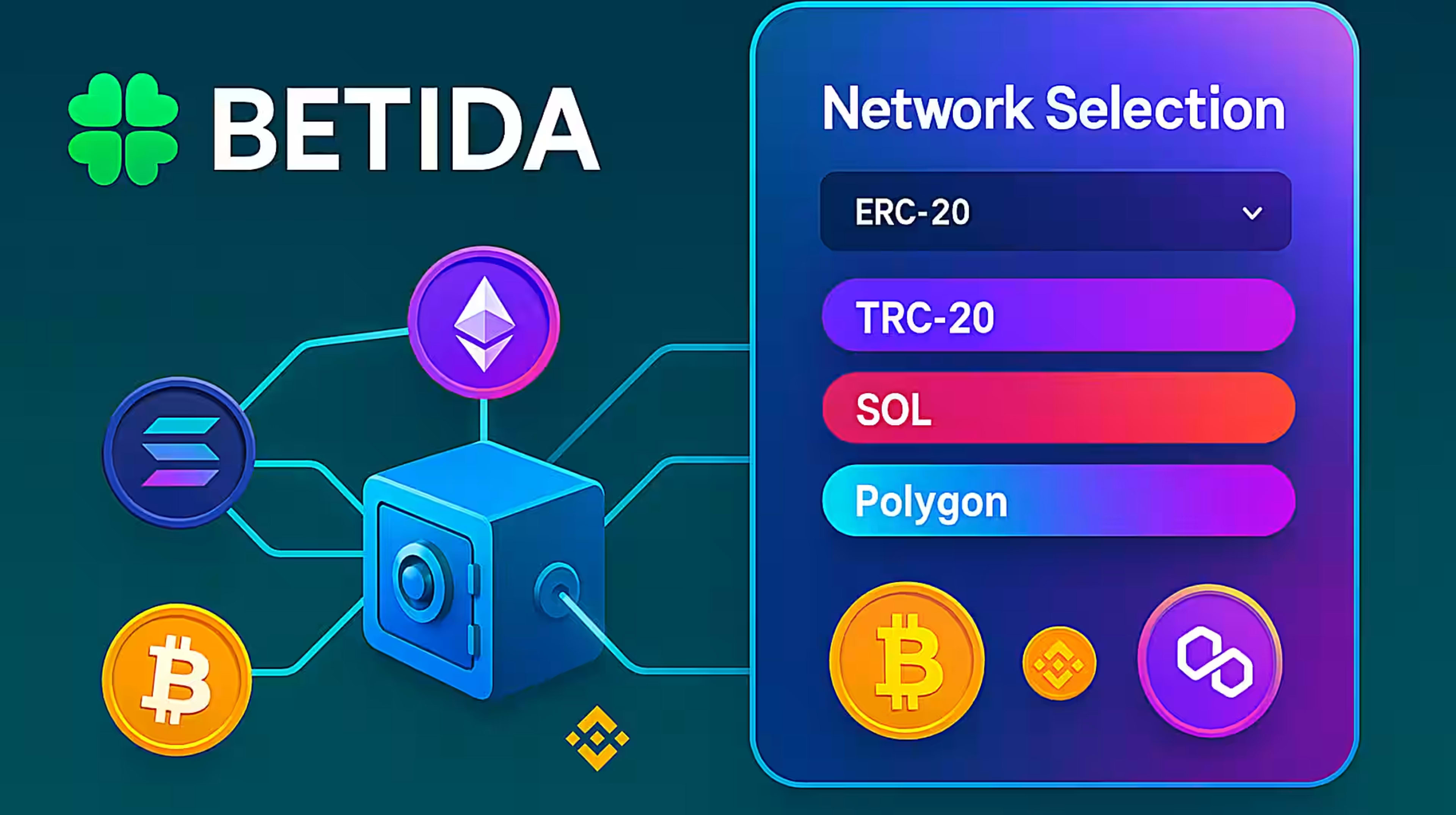
This guide explains what “network” means when depositing crypto to Betida, the differences between ERC-20, TRC-20, Solana and Polygon, and how to choose the right network to avoid mistakes, high fees or lost funds.
1. Introduction – Coin and Network Are Not the Same Thing
When you deposit crypto to Betida, you often have to choose two things:
- The coin (USDT, BTC, ETH, TRX, SOL, etc.)
- The network (Ethereum / ERC-20, Tron / TRC-20, Solana, Polygon / POL, etc.)
A common mistake is to think “USDT is USDT everywhere”. In reality:
- USDT (the coin) can exist on many networks:
- USDT-ERC20 (on Ethereum)
- USDT-TRC20 (on Tron)
- USDT-SOL (on Solana)
- USDT-POL / Polygon, etc.
If you choose different networks on Betida and your exchange/wallet, your transaction may:
- Be delayed,
- Require complex recovery,
- Or, in the worst case, be irretrievable.
This guide will help you understand which network to pick and what to check before sending any funds.
2. What Is a Network (Blockchain) in This Context?
In simple terms:
- A coin/token is the asset you are sending (USDT, BTC, ETH, etc.).
- A network is the blockchain that processes and records that transaction.
Each network:
- Has its own address format,
- Uses its own native fee token (ETH, TRX, SOL, etc.),
- Has its own speed and typical fees.
Example:
USDT on Ethereum (ERC-20) is technically a different token than USDT on Tron (TRC-20), even if both are called “USDT” and represent the same 1 USD concept.
3. The Main Networks You’ll See on Betida
Depending on the coin, your exchange and your region, you may see options like:
- ERC-20 (Ethereum)
- TRC-20 (Tron)
- SOL (Solana)
- POL (Polygon)
- Possibly others (e.g. BSC/BEP-20) depending on future support
You do not need to be a blockchain engineer, but you do need to know the basic trade-offs:
- ERC-20:
- Very widely supported, high security, huge ecosystem.
- Often higher fees during congestion.
- TRC-20 (Tron):
- Very popular for USDT transfers.
- Typically lower fees and fast confirmations.
- Solana (SOL):
- Very fast and low-cost network.
- Used for SOL and some tokens like USDT on Solana.
- Polygon (POL):
- An EVM-compatible network focused on low fees and high throughput.
- Often used to move tokens more cheaply than main Ethereum.
For Betida, what matters is:
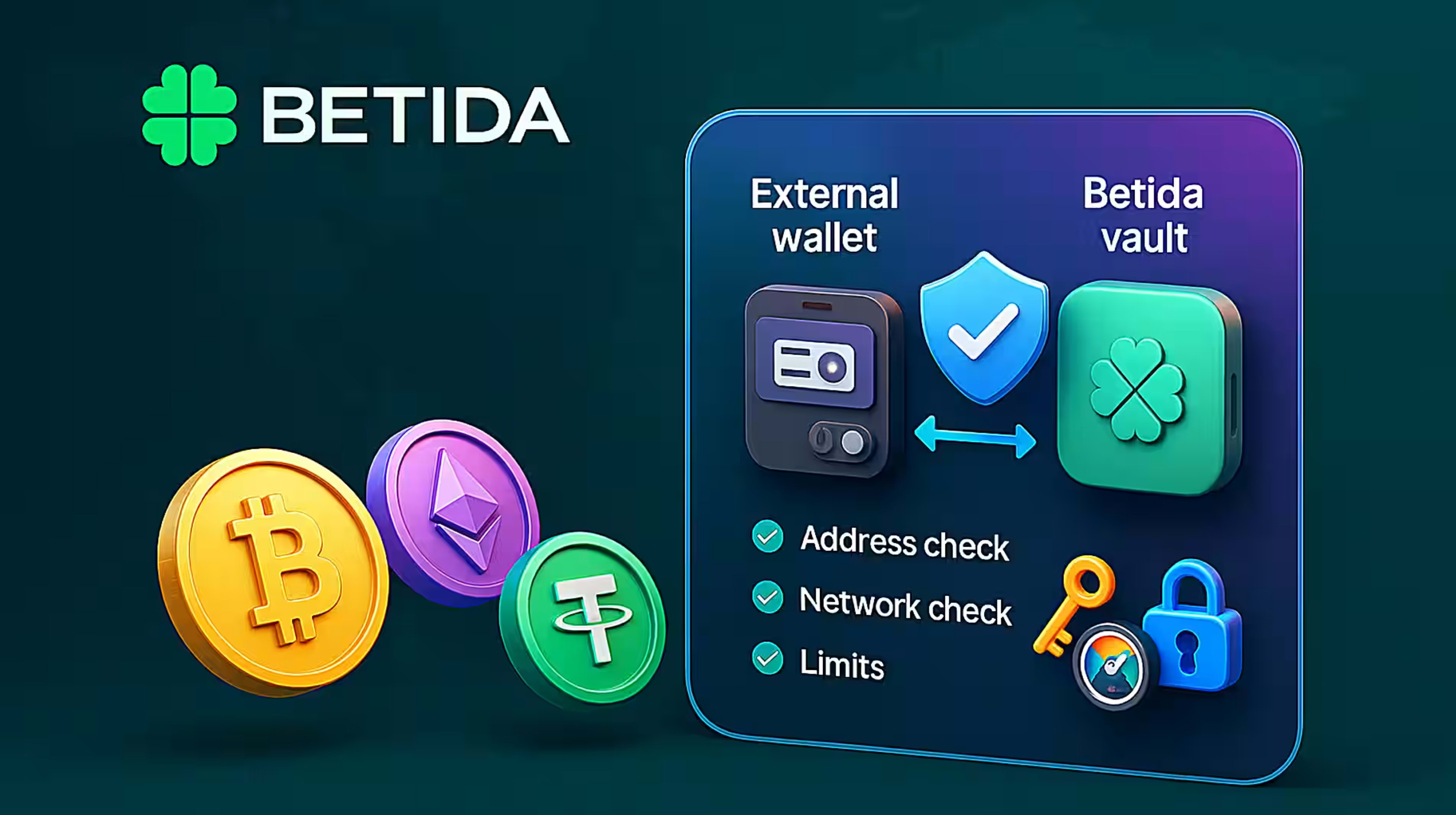
The **network shown on your Betida deposit screen must exactly match the network you select on your exchange or wallet when sending.
4. How to Choose the Right Network – Practical Scenarios
Scenario 1: Your Exchange Shows Multiple USDT Networks
Let’s say you’re on an exchange deposit/withdraw page and you see:
- USDT-ERC20
- USDT-TRC20
- USDT-SOL
- USDT-POL
On Betida, when you open Deposit → Crypto → USDT, you’ll see which specific networks are supported for USDT deposits.
Your choice should be based on:
- What Betida supports for that coin
- If Betida only shows USDT-TRC20, you must select TRC-20 on your exchange as well.
- Fees and speed
- If Betida supports several networks for the same coin (e.g. ERC-20 and TRC-20), you can:
- Choose ERC-20 for maximum compatibility (and if you already hold USDT-ERC20), or
- Choose TRC-20 if you want lower fees, as long as your exchange also supports USDT-TRC20 withdraws to external addresses.
- If Betida supports several networks for the same coin (e.g. ERC-20 and TRC-20), you can:
- Your existing balances
- If most of your stablecoins are already on Tron (TRC-20), sticking to TRC-20 can be more convenient; same for Ethereum or Solana.
Scenario 2: You Already Have SOL or TRX
If you hold:
- SOL on Solana, or
- TRX on Tron,
and Betida supports deposits for those coins on their native networks, using the native network will usually:
- Be cheaper and faster,
- Avoid the need for extra bridges or swaps.
Scenario 3: You Don’t Want to Think About Networks at All
If network choices feel overwhelming, you can:
- Use Betida’s Onramper integration to buy crypto directly with card or local payment methods.
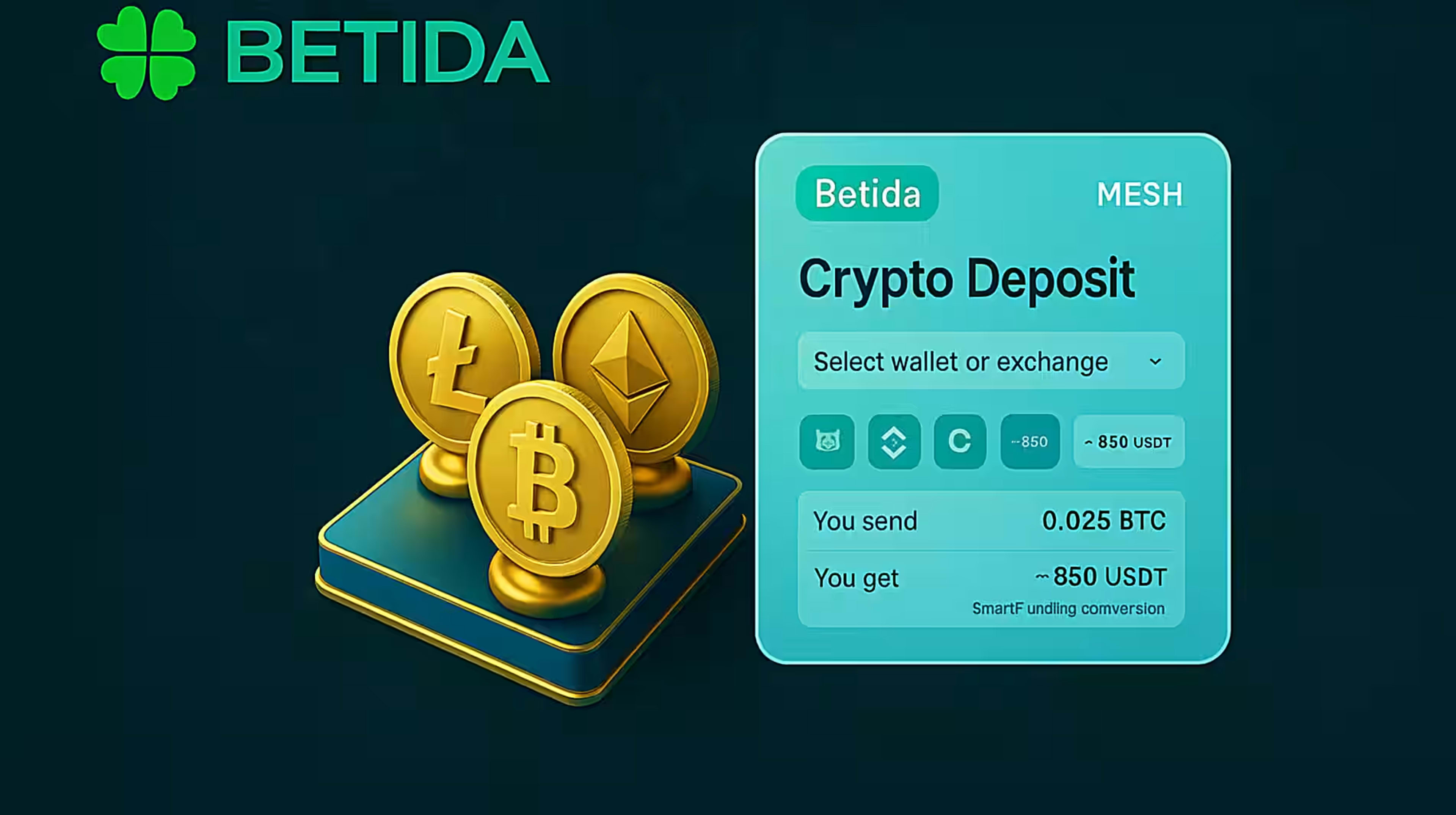
- Use Mesh to connect your exchange/wallet accounts and pull funds into Betida without manually pasting addresses.
But even then, you should understand that in the background, a specific network is being used — and picking the wrong one manually outside these flows is what creates problems.
5. Deposit Checklist – Avoiding Network Mistakes
Before sending any crypto to Betida, go through this checklist:
- Confirm the coin
- Did you select the same coin on Betida and on your exchange/wallet (USDT vs USDC vs BTC vs ETH, etc.)?
- Confirm the network
- On Betida Deposit screen: which network is shown?
- On your exchange/wallet: did you select that exact same network?
- Check the address format
- Many networks have different-looking addresses.
- If the address looks invalid to your exchange, stop and double-check.
- Check minimum deposit
- Make sure the amount you send is above the minimum deposit for that coin and network (shown in Betida, if applicable).
- Consider a test transaction
- For larger transfers, send a small test amount first.
- Once that arrives correctly at Betida, send the remainder.
6. Withdrawals – The Same Rules Apply
When withdrawing from Betida:
- You must again pick the coin and network on Betida,
- And you must select the same network on the destination exchange/wallet when you copy the address.
Example:
- If you choose USDT-TRC20 in your Betida withdrawal screen,
- You must paste a USDT-TRC20 address from your exchange/wallet,
- And the exchange withdrawal/deposit page must say something like “Network: TRC-20 (Tron)” for that address.
Sending a token to the wrong network on withdrawal can be just as problematic as on deposit.
7. Common Mistakes and How to Avoid Them
Mistake 1: “USDT is USDT, network doesn’t matter.”
- Reality: USDT on ERC-20, TRC-20 and SOL are different token contracts on different blockchains.
- Fix: Always match the network name on Betida with the network name on your exchange.
Mistake 2: Copy/pasting an address from the wrong network tab.
- Example: You open “USDT-ERC20 deposit address” on your exchange but choose “USDT-TRC20” on Betida.
- Fix: Double-check both the coin + network combo before confirming.
Mistake 3: Trying to “force” a transaction through unsupported networks.
- Example: Betida only supports USDT-TRC20, but you try sending USDT-BSC or some other variant.
- Fix: Only use the networks explicitly supported on the Betida deposit screen for that coin.
Mistake 4: Sending from or to unsupported tokens via bridges.
- Example: Bridging tokens to an exotic network, then trying to deposit them to Betida.
- Fix: For Betida deposits, keep it simple: use main, supported networks and avoid experimental chains/bridges.
8. FAQ – Quick Answers
Q: Which network is “best” for deposits?
There is no universal “best”; it depends on:
- What Betida supports for that coin,
- Which networks your exchange/wallet supports,
- Your priorities: lowest fee, highest compatibility, or fastest confirmation.
Q: Can I choose ERC-20 on Betida and TRC-20 on my exchange for the same coin?
No. The network on Betida and on your exchange must match exactly for that specific transaction.
Q: If I send to the wrong network, can Betida recover my funds?
In many cases, wrong-network deposits are irreversible or extremely hard to recover. This is why network checks are critical before you confirm any transaction.
Q: Does the network change the games or RTP?
No. The network only affects how the transaction reaches your Betida wallet. Game rules, math and RTP are independent of the network or coin.
9. Summary
Choosing the correct network is one of the most important technical details when depositing or withdrawing crypto to/from Betida.
To stay safe:
- Treat coin and network as two separate decisions,
- Always match the exact network shown on Betida with the one selected on your exchange/wallet,
- Use small test deposits when in doubt,
- And remember that using tools like Mesh or Onramper can help simplify this process if you don’t want to manage networks manually.
Done right, network selection becomes just a quick double-check — and you can focus on what you actually care about: your games, your bets and your bankroll.