This guide explains how to safely withdraw your crypto balance from Betida to your exchange or personal wallet, covering address and network checks, limits, fees, and processing times.
1. Introduction – What Does Withdrawing Crypto Mean?
After playing on Betida, you may want to move your crypto balance:
- To a crypto exchange (Binance, Coinbase, Kraken, etc.), or
- To a personal wallet (MetaMask, Trust Wallet, Ledger, Phantom, etc.).
“Withdrawing crypto” means initiating a blockchain transfer from your Betida wallet to an external address that you control. This process:
- Is irreversible,
- Requires the correct address and network,
- Depends on the confirmation process of the relevant blockchain (Ethereum, Tron, Solana, etc.).
2. Checklist Before You Withdraw
Before making a withdrawal, confirm the following:
- Verified Betida account
- Any required KYC steps may need to be completed.
- Sufficient balance
- You need enough crypto to cover the withdrawal amount plus any network fees.
- Correct recipient address
- Have your exchange or wallet address ready.
- Correct network
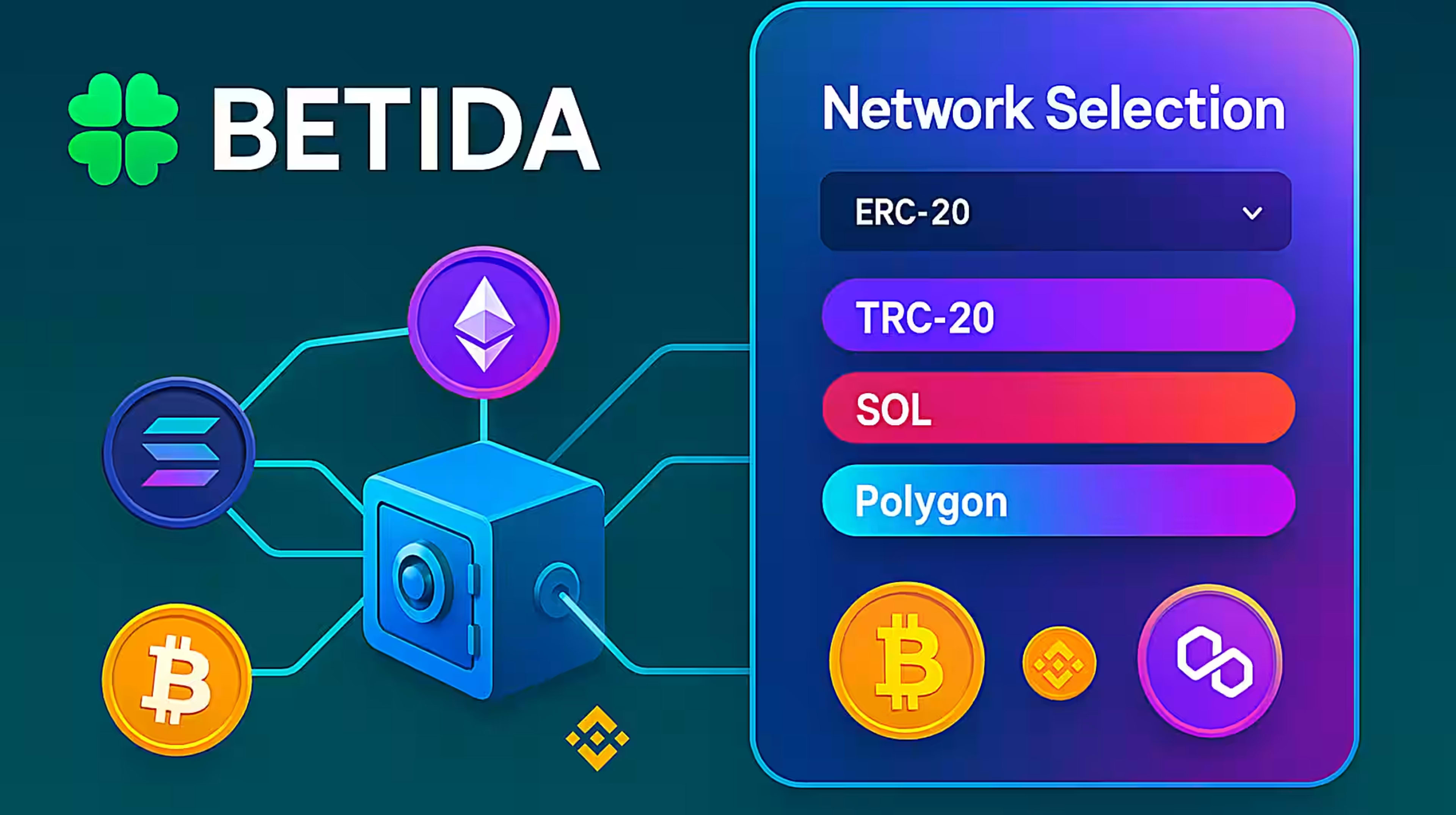
- For example, if you withdraw USDT, make sure the network you select on Betida is the same as the one you select on your exchange (ERC-20, TRC-20, Solana, etc.).
3. How to Withdraw Crypto from Betida
3.1. Open the Wallet / Vault Section
- Log in to your Betida account.
- Go to the “Wallet / Vault” page from the top or profile menu.
- Click on “Withdraw”.
3.2. Select the Crypto and Network
- Choose “Crypto” as your withdrawal method.
- Select the cryptocurrency you want to withdraw, for example:
- BTC, ETH, USDT, USDC, TRX, SOL, XRP, DOGE, SHIB, LTC, BNB, etc.
- If supported, select the appropriate network (ERC-20, TRC-20, Solana, etc.).
Warning:
The network you choose on Betida must be exactly the same as the network you choose on the recipient exchange or wallet. A mismatch can lead to loss of funds.
3.3. Enter the Recipient Address
- Copy your deposit address from the exchange or wallet where you want to receive the funds.
- Paste this address into the “Recipient / Wallet Address” field on Betida.
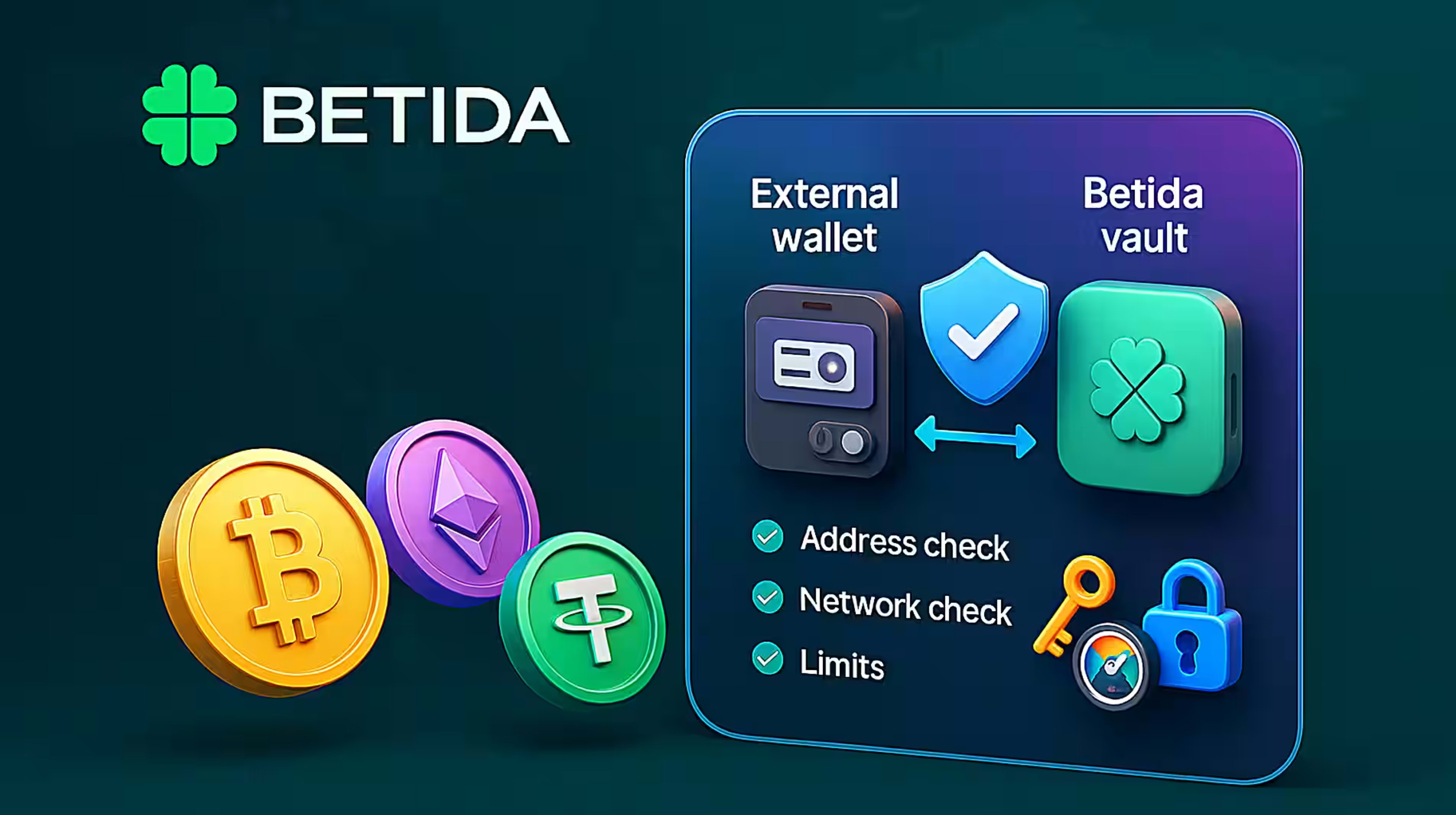
- Verify at least the first 4–6 and last 4–6 characters to make sure it matches exactly.
3.4. Set the Amount and Confirm
- Enter the amount of crypto you want to withdraw.
- If shown, check:
- The minimum/maximum withdrawal limits,
- The estimated network fee,
- The net amount you will receive.
- Review all details carefully and then confirm the withdrawal request.
4. Processing Times and Fees
- Processing time depends on the blockchain network (usually a few minutes, longer during heavy congestion).
- Network fees (gas) are set by the blockchain, not by Betida.
- In some cases, Betida may perform additional security checks (manual review, extra verification, etc.), which can add a short delay.
If there is a delay:
- Retrieve the transaction ID (hash) from the exchange/wallet or Betida,
- Share it with Betida support to help track the transaction.
5. Common Mistakes and Security Tips
1. Wrong address
- Solution: Double-check the address, especially the first and last characters, before confirming.
2. Wrong network
- Solution: Confirm that both Betida and the receiving exchange/wallet use the same network.
3. Below minimum withdrawal amount
- Solution: Make sure your requested amount is above the minimum withdrawal limit shown on the withdrawal screen.
4. Insecure device or network
- Solution: Avoid making large withdrawals on shared computers or public Wi-Fi. Use a strong password and, if available, 2FA on your Betida account.
6. Summary
Withdrawing crypto from Betida is a straightforward blockchain transfer as long as you:
- Choose the right coin,
- Use the correct network,
- Enter the correct recipient address,
- Respect the limits and fees.
Careful address and network checks are critical for keeping your funds safe.