1. Introduction – Why Limits, Fees and Times Matter
When playing with crypto, most players focus on one question:
“Did my balance arrive? Did my payout go through?”
But behind that, three things are crucial:
- Limits
- Fee structure
- Processing times
On Betida, the goals are:
- To keep transactions as fast and smooth as possible,
- To respect all security, licensing and risk management requirements,
- To give players a clear expectation of how things work.
This guide explains the logic behind limits, fees and times (without hard numbers, as they may change over time). For the latest concrete values, always check the Deposit / Withdraw screens inside your Betida account.
2. Limits – How Deposit and Withdraw Caps Work
2.1. Deposit Limits
When setting crypto deposit limits, several factors are usually considered:
- The coin you are using (BTC, ETH, USDT, USDC, SOL, TRX, etc.),
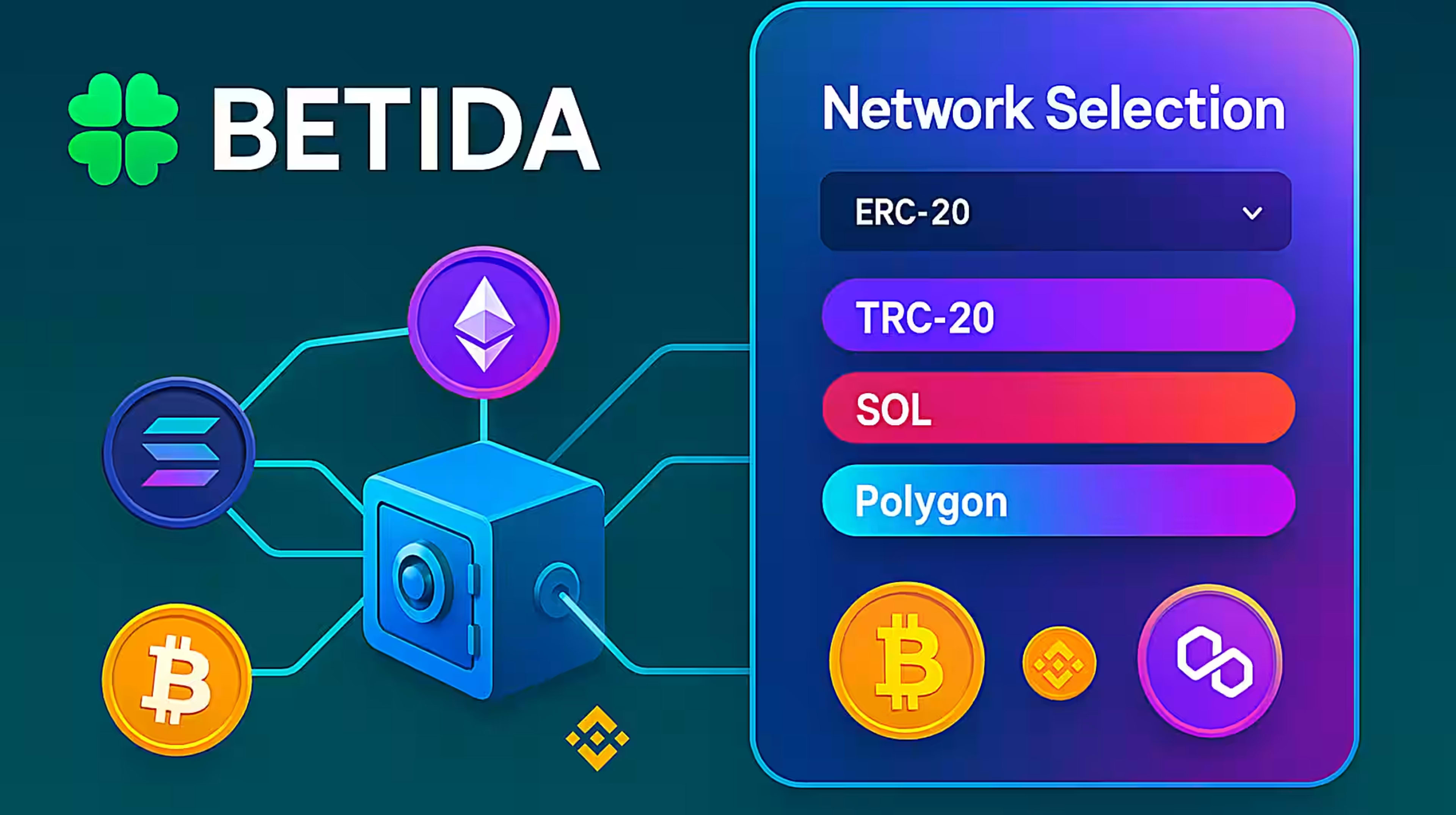
- The network (ERC-20, TRC-20, SOL, POL, etc.),
- The method (standard blockchain transfer, Mesh, Onramper, etc.),
- Your account’s verification level and risk profile.
General principles:
- A minimum deposit limit helps prevent endless tiny “dust transfers” that don’t make sense economically and may overload the network or create unnecessary overhead.
- A maximum deposit limit helps manage risk and compliance (especially per transaction or per time period).
You can see the current minimum and maximum deposit thresholds for each coin and method directly on the Betida deposit screen.
2.2. Withdrawal Limits
Withdrawal limits usually come with tighter security and compliance rules than deposits. Typical factors:
- Your KYC / verification level,
- Account age and play history,
- The coin and network you choose,
- Suspicious activity checks, chargeback risk, etc.
In practice:
- There is a minimum withdrawal amount per transaction (to keep network fees and processing sensible).
- There may be daily / weekly / monthly withdrawal caps.
- In some cases, additional manual review or extra verification steps may be required for security.
You can find the limits that apply to your account on the withdrawal screen and in the related info texts.
2.3. Time-Based Limits
Some limits are also defined over time windows:
- Daily limits – total amount that can be withdrawn within 24 hours
- Weekly / monthly limits – additional layers for responsible gambling and risk management
These help:
- Support responsible gaming,
- Protect the platform against potential abuse.
3. Types of Fees – Network Fee vs Platform Fee
When you transact with crypto, any costs you see can be split into two main categories:
3.1. Network Fee (Gas Fee)
The network fee is what you pay for your transaction to be processed on the blockchain itself (BTC, ETH, TRON, SOL, POL, etc.).
Key points:
- It depends on the blockchain and its current congestion,
- It is usually paid in the network’s native token (ETH, TRX, SOL, etc.),
- It is not set by Betida; it is determined by the blockchain and by your wallet/exchange fee algorithm.
Examples:
- For an ERC-20 transfer on Ethereum, fees are paid in ETH,
- For a TRC-20 transfer on Tron, fees are paid in TRX,
- For a Solana transfer, fees are paid in SOL.
When the network is busy, fees can go up; during calm periods, they can be lower.
This means the same transfer may cost different amounts on different days.
3.2. Platform Fee
A platform fee is any fee that may be charged by Betida or integrated service providers (especially when fiat → crypto is involved). For example:
- Some withdrawals may have a fixed platform fee,
- When buying crypto via Onramper with card/local methods, Onramper and the payment provider may apply fees that affect the total cost,
- For Mesh or similar services, there may be relevant service fees (usually presented in the flow).
Important:
- Any fee charged by Betida (if applicable) is shown clearly before you confirm a transaction,
- You should always treat platform fees as separate from network fees.
3.3. Summary – What to Check Before Confirming
Before you confirm any transaction, review:
- The total amount you will pay (in coin or fiat),
- The net amount of crypto you will receive or send,
- The split between network fee and any platform fee,
especially for larger transfers.
This keeps your bankroll under control and avoids surprises.
4. Processing Times – What Affects Them?
When players think “time”, they usually think:
“How many minutes until my funds arrive or my payout is processed?”
In reality, several layers affect the total processing time:
- Payment or sending step
- Card/bank approval (Onramper),
- Mesh pulling funds from your exchange/wallet,
- Signing and broadcasting a transaction from your own wallet/exchange.
- Blockchain confirmations
- Block times and required confirmations on BTC, ETH, TRON, SOL, POL, etc.
- Platform-side checks
- Security and risk filters,
- Extra verification on high-value or unusual withdrawals.
Below is an overview for the three main scenarios.
5. Mesh – Processing Times and Flow (Overview)
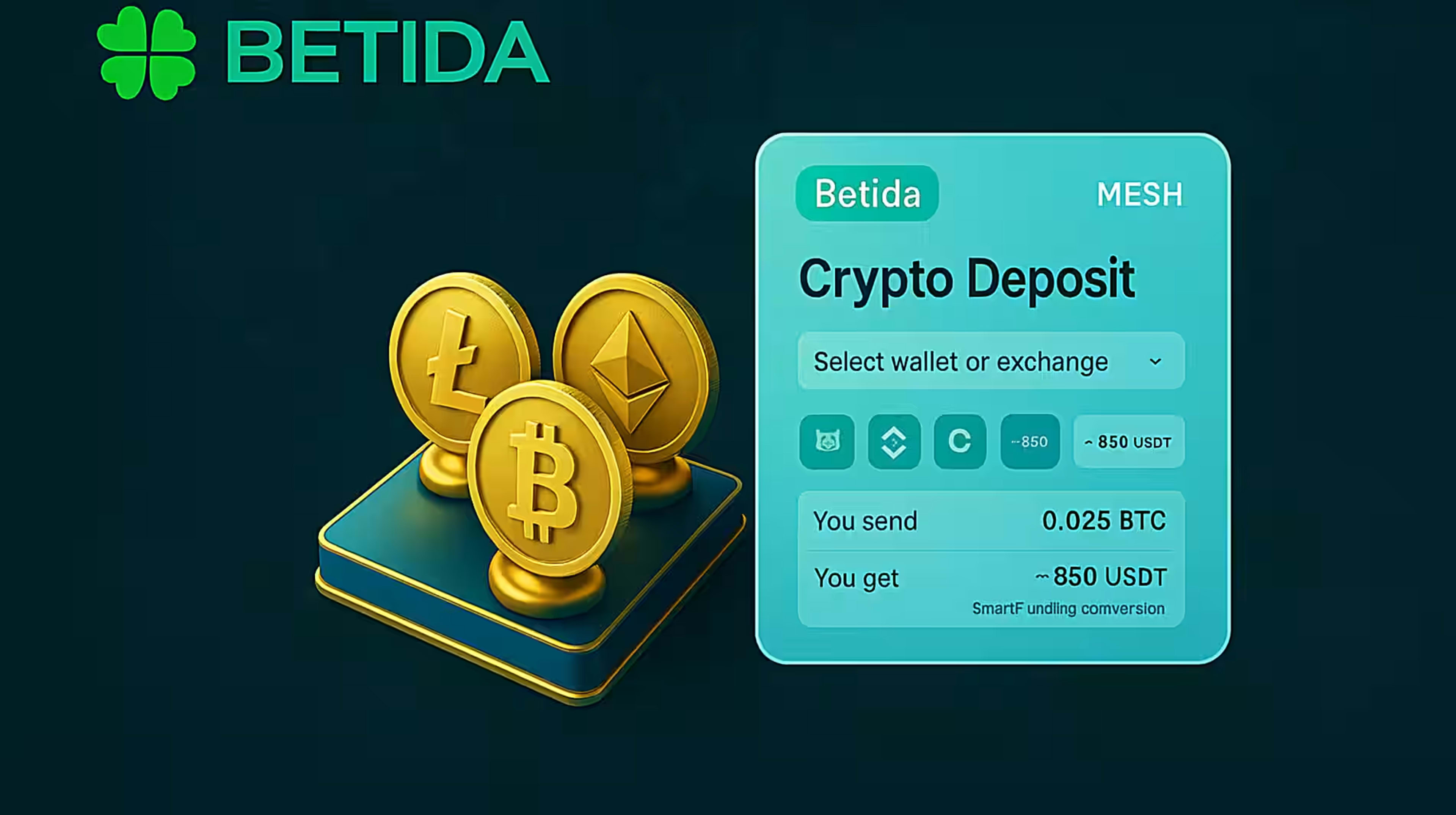
Mesh allows you to connect supported exchange and wallet accounts to Betida and pull funds directly, without manually copy-pasting addresses.
General flow:
- On Betida, select Deposit → Mesh.
- Connect your supporting exchange/wallet accounts through Mesh.
- Choose the coin and amount you want to transfer.
- Mesh initiates a transfer from the selected source to Betida.
- As the transaction confirms on the blockchain, your balance appears in your Betida wallet.
What affects the time?
- How quickly your exchange processes and broadcasts the transaction,
- The load on the chosen network (ERC-20, TRC-20, SOL, etc.),
- Whether the amount triggers extra security checks on either side.
Typically, Mesh is quite fast and convenient, but:
- Very large amounts,
- New or unusual activity on the linked account,
- Additional checks by the exchange
may lengthen the process.
After initiation, you can monitor transaction status through the Mesh and Betida interfaces.
6. Onramper – Processing Times and Flow (Card / Local Payment)
Onramper lets you complete the fiat → crypto → Betida flow in a single embedded screen, using credit/debit cards or supported local payment methods.
General flow:
- On Betida, choose Deposit → Onramper.
- Select the fiat amount you want to pay and the coin you want to receive.
- Enter your card or local payment details.
- Your bank/payment provider authorises the transaction (3D Secure, etc.).
- Onramper purchases the crypto and sends it to your Betida deposit address.
- As the transaction gets sufficient confirmations on the network, your balance appears in your Betida wallet.
What affects the time?
- How quickly your bank or payment provider approves the transaction,
- Onramper’s own automated risk and compliance checks,
- The blockchain’s current load and confirmation times.
Often, your first transaction may take a bit longer due to extra checks; subsequent transactions can be faster once a pattern is established.
Onramper will show you transaction status in the widget and via confirmations (e.g. email) where applicable.
7. Classic Blockchain Transfers (From Exchange/Wallet)
This is the standard scenario:
- You send crypto from your own exchange or wallet to Betida, or
- You withdraw from Betida to your own exchange or wallet.
Deposit flow:
- On Betida, generate or view your deposit address for a specific coin.
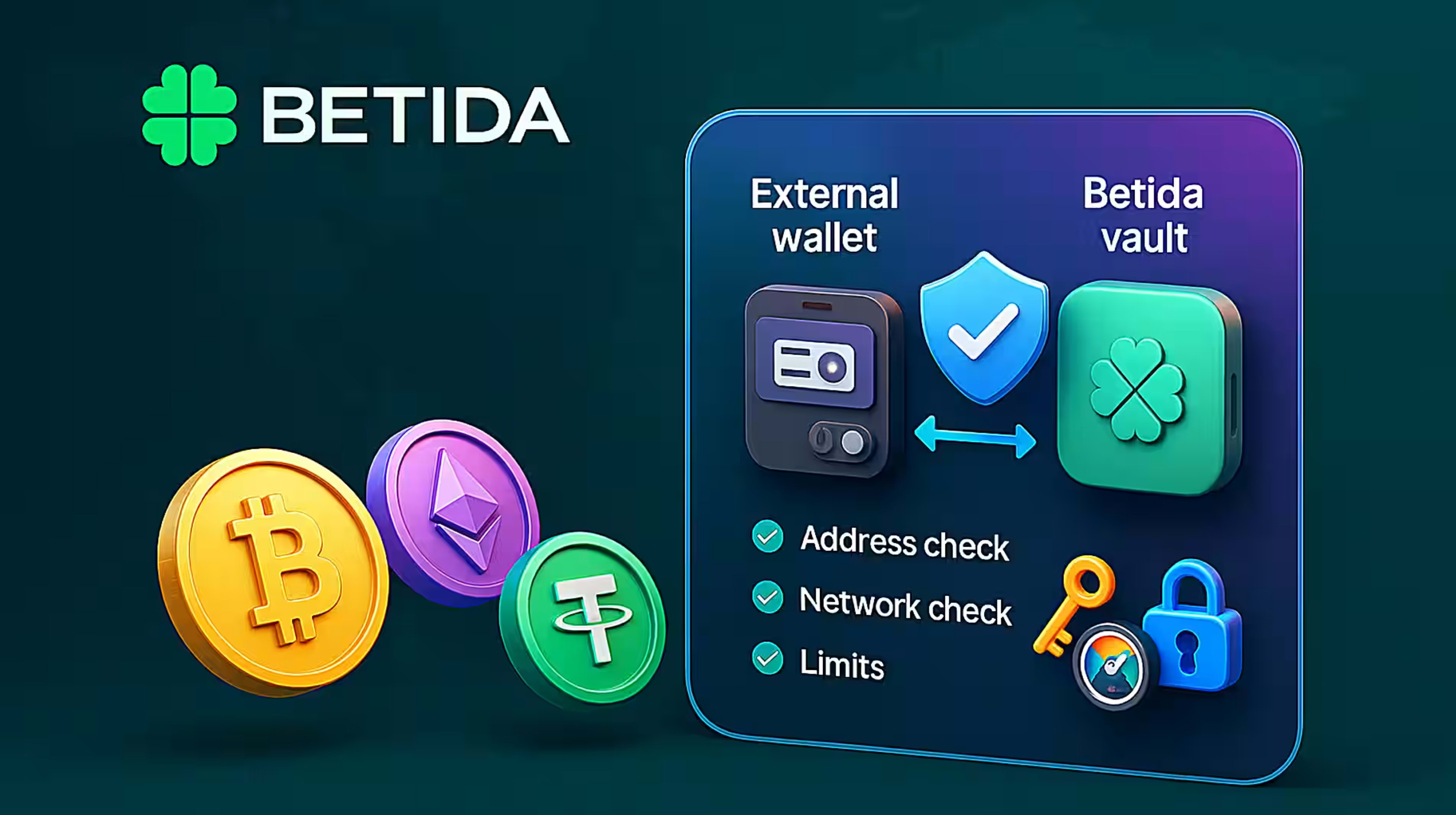
- In your exchange/wallet, select the same coin and network and paste this address.
- Initiate the transfer.
- The transaction is broadcast on the chosen network and begins receiving confirmations.
- After the required confirmation count, Betida credits your account.
Withdrawal flow:
- On Betida, choose the coin and network for withdrawal.
- Paste your correct exchange/wallet address matching that network.
- Betida broadcasts the transaction.
- The receiving exchange/wallet credits your balance once its own required confirmations are met.
What affects the time?
- The block time and number of required confirmations (varies by network),
- Network congestion, especially on BTC and ETH,
- Betida’s security and risk checks (especially for high-value or first-time withdrawals).
For large withdrawals, sending a small test transaction first is always recommended to confirm address accuracy and get a feel for the timing.
8. Practical Tips – Managing Limits, Fees and Times
- Read the on-screen information every time:
- Minimum and maximum limits,
- Any visible network fees and platform fees,
- Any estimated time hints.
- Do not underestimate network selection:
- Wrong network = potentially unrecoverable loss.
- Match the network shown on Betida deposit/withdraw screens with the exact same network on your exchange/wallet.
- Use test transactions for large amounts:
- First send a small amount, then the remaining balance,
- This tests both the address and the effective processing time.
- Use Mesh and Onramper for the right scenarios:
- Mesh → you already have crypto on exchanges/wallets and want a smoother, address-free pull into Betida.
- Onramper → you do not yet hold crypto or prefer to buy directly with card/local methods into Betida.
- Combine this with Betida Smart principles:
- Treat platform limits as a framework,
- Set your own personal loss and deposit limits below those technical caps,
- Focus on long-term bankroll health, not just single-session results.
9. Summary
On Betida, crypto transaction:
- Limits,
- Fees,
- Processing times
are designed within the constraints of blockchain technology, security, licensing and responsible gambling standards.
In short:
- Limits exist to prevent meaningless micro-transactions, manage risk and support compliance.
- Network fees belong to the blockchain; Betida does not control them.
- Any platform fees (if applicable) are displayed transparently before you confirm a transaction.
- Mesh, Onramper and classic transfers each have their own ideal use cases and timing characteristics.
For every transaction:
- Read the on-screen details,
- Double-check coin + network,
- Use a small test transaction if you’re unsure,
so you can enjoy a controlled, transparent and secure crypto experience while focusing on what you actually care about: your games, your bets, and your long-term bankroll.