1. Introduction – Depositing Crypto to Betida
Betida is built on an infrastructure that supports multiple cryptocurrencies, allowing you to fund your account quickly and securely from anywhere in the world. You can top up your balance in three main ways:
- By sending crypto directly from your exchange account or personal wallet,
- By using Mesh to connect supported exchanges and wallets and transfer funds in a few clicks,
- By using Onramper to buy crypto with a card or local payment methods and have it credited straight to your Betida wallet.
This article focuses purely on how to get crypto into your Betida account – without going into game rules or betting strategies.
2. Before You Start – What You Need
Before depositing crypto to Betida, make sure you have:
- An active Betida account
- Complete the registration form and create your account.
- Finish any requested KYC (identity verification) steps.
- Access to cryptocurrency, via one of the following:
- A crypto exchange account (such as Binance, Coinbase, Kraken, KuCoin, etc.),
- A personal crypto wallet (MetaMask, Trust Wallet, Phantom, Ledger, etc.),
- Or a plan to buy crypto directly inside Betida using Onramper with your card or a local payment method.
- For the crypto you want to use, you should know:
- Which coin you want to deposit (BTC, ETH, USDT, USDC, SOL, TRX, XRP, DOGE, SHIB, LTC, BNB, etc.),
- Which network you will use (Ethereum, Tron, Solana, Polygon, etc.),
- That you have enough of the native gas token (ETH, SOL, TRX, etc.) to pay network fees when sending the transaction.
3. Method 1 – Direct Crypto Transfer from Exchange or Wallet
This method is ideal if you already hold crypto and are comfortable with standard blockchain transfers.
3.1. Open the Wallet / Vault Screen on Betida
- Log in to your Betida account.
- Go to the “Wallet / Vault” section from the top menu or your profile.
- Click on “Deposit”.
3.2. Select Cryptocurrency and Network
- In the list of deposit methods, choose “Crypto”.
- Select the cryptocurrency you want to deposit, for example:
- Bitcoin (BTC)
- Ethereum (ETH)
- Tether (USDT)
- USD Coin (USDC)
- Tron (TRX)
- Solana (SOL)
- Litecoin (LTC)
- BNB, XRP, DOGE, SHIB, etc.
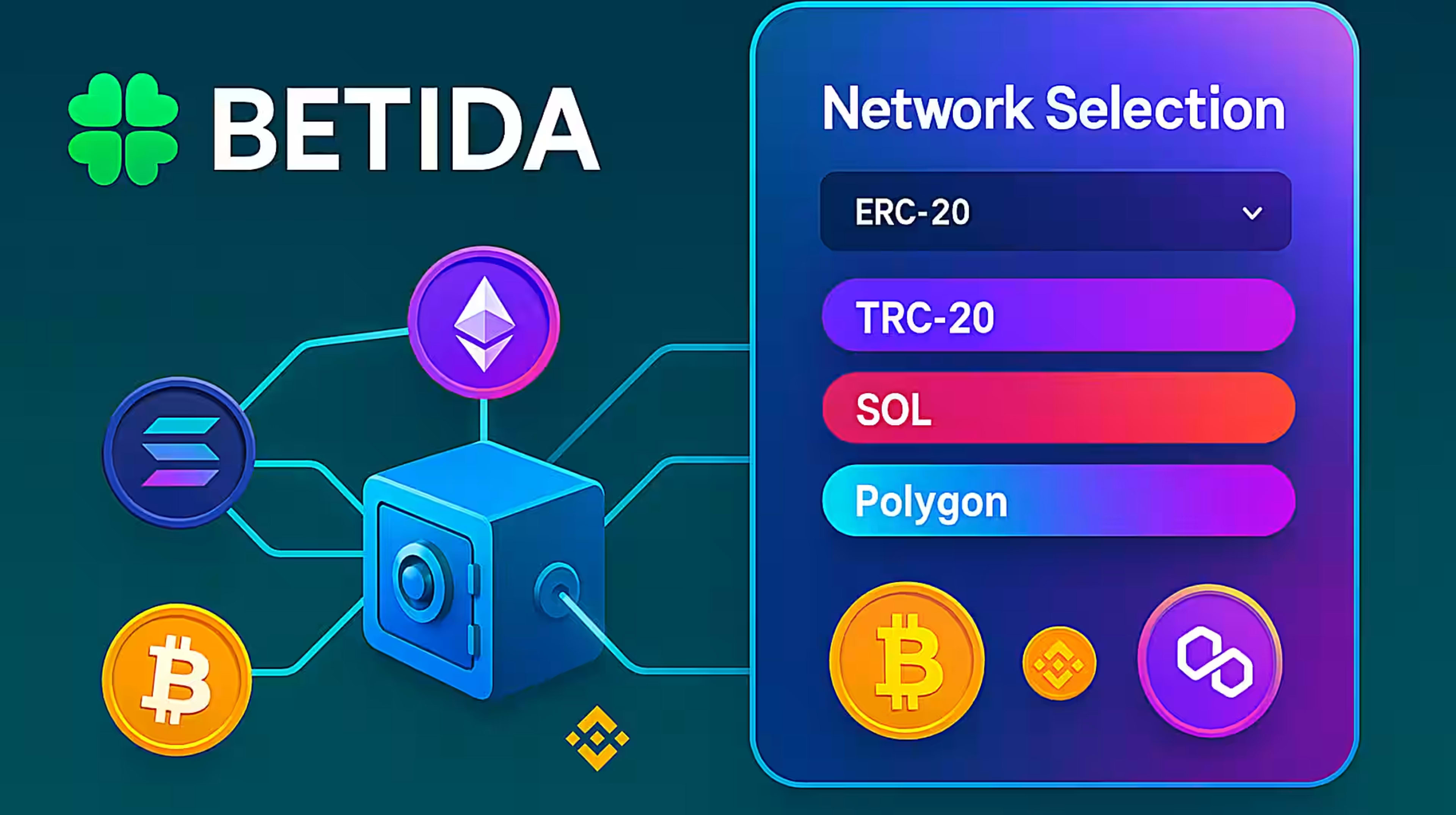
- If Betida supports multiple networks for that coin, select the appropriate network, such as:
- Ethereum (ERC-20)
- Tron
- Solana
- Polygon, and so on.
Important:
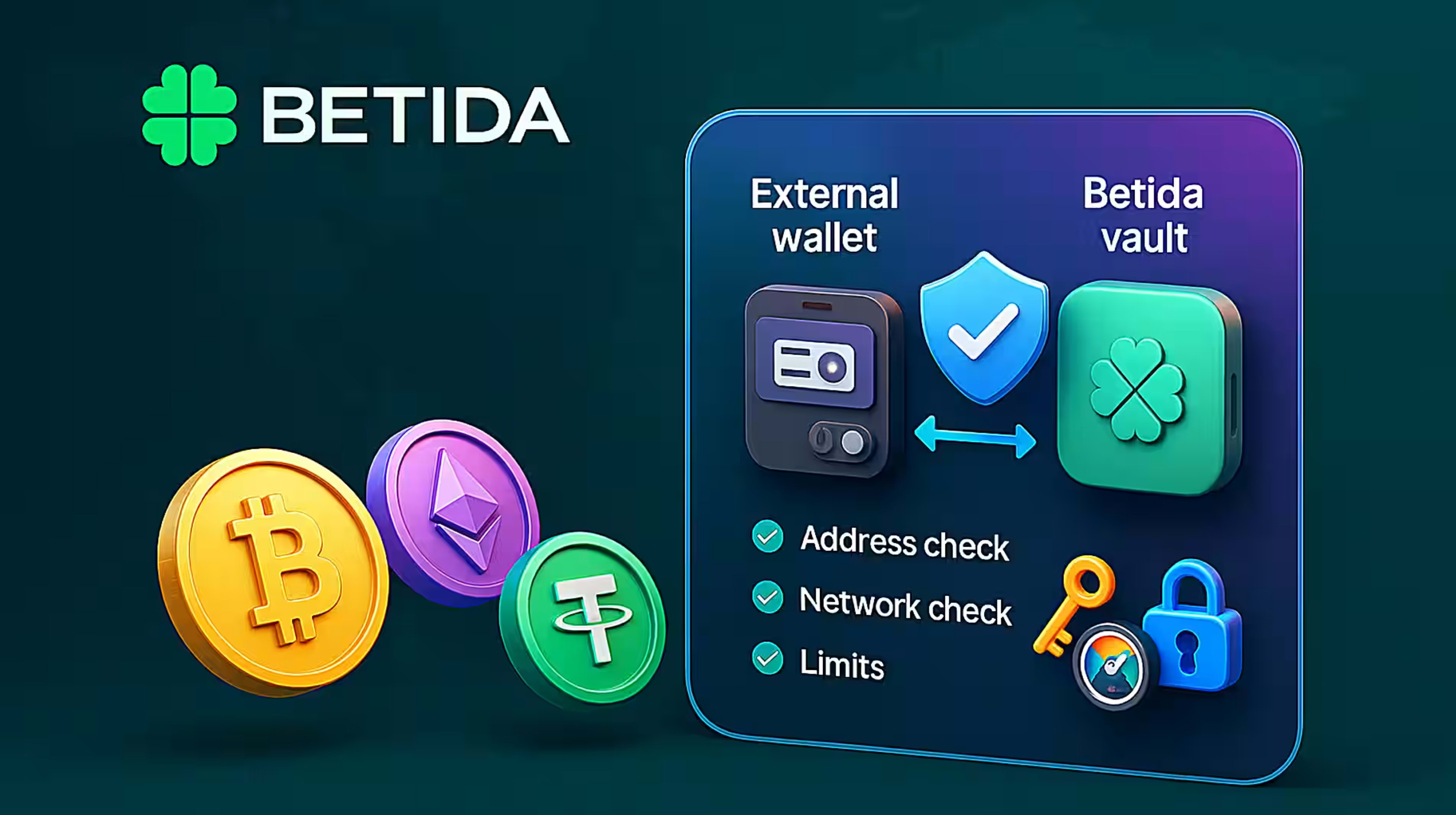
The network shown on Betida must exactly match the network you choose on your exchange or wallet. A mismatch can cause delays or even permanent loss of funds.
3.3. Copy Your Betida Crypto Deposit Address
Once you have chosen the coin (and network where applicable), Betida will show:
- A unique deposit address for that cryptocurrency, and
- In most cases, a QR code that encodes the same address.
This address is only valid for the specific coin and network you selected. Sending a different coin or using a different network can result in funds being lost or very difficult to recover.
Carefully copy the deposit address from Betida.
3.4. Send Crypto from Your Exchange or Wallet
Now complete the transfer on your side:
- Open the withdraw / send / transfer screen on your exchange or personal wallet.
- Select the same cryptocurrency you selected on Betida.
- Select the same network that you saw on the Betida deposit screen.
- Paste your Betida deposit address into the recipient field.
- Enter the amount of crypto you want to deposit.
- Review the transaction summary and network fee, then confirm.
After the transaction is broadcast to the blockchain, it will be confirmed in one or more blocks. Once sufficient confirmations are reached, your crypto balance will appear in your Betida wallet.
4. Method 2 – Fast Transfers via Mesh
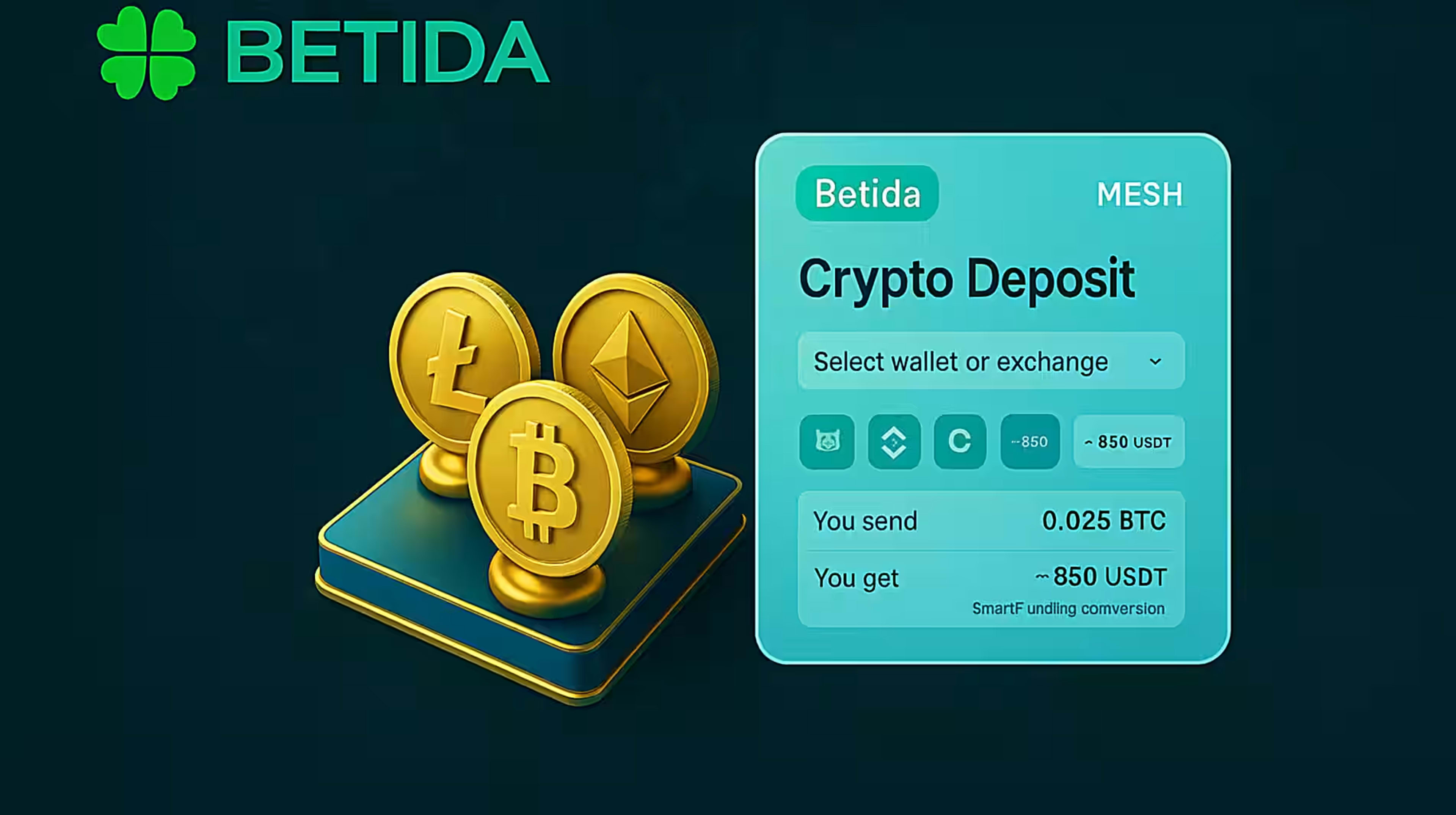
Mesh is a third-party crypto connectivity solution that lets you securely link supported exchange and wallet accounts to Betida and move funds without manually copying addresses.
4.1. What Mesh Does
With Mesh, you can:
- Connect your accounts from supported exchanges and wallets to Betida,
- View available balances in those accounts from within the Betida interface,
- Transfer crypto directly into Betida without copy/paste or manual address entry.
This reduces the chance of mistakes and gives you a single, unified view of the sources you use to fund your Betida account.
4.2. Depositing to Betida with Mesh – General Flow
- On the Betida Deposit screen, select Mesh as your method.
- Choose the exchange or wallet provider where you hold crypto.
- Log in securely to that provider within Mesh and grant the necessary permissions.
- Mesh will show your crypto balances for that account within the Betida interface.
- Select:
- The coin you want to transfer, and
- The amount you wish to move into Betida.
- Confirm the transfer.
The transaction is then processed through Mesh and the associated blockchain network. Once completed and confirmed, the crypto will appear in your Betida wallet.
4.3. Advantages of Using Mesh
- No manual address entry: Reduces the risk of sending to a wrong or mistyped address.
- Unified view: Manage multiple exchanges/wallets from a single interface.
- Speed and convenience: Depositing feels more like moving funds between linked accounts than doing a raw blockchain transfer.
For a screen-by-screen walkthrough, you can refer to a dedicated guide such as “How to Deposit Crypto with Mesh on Betida”.
5. Method 3 – Buying Crypto via Onramper and Depositing Directly
Onramper is an on-ramp solution integrated into Betida that allows you to go from fiat money to crypto to your Betida wallet in one streamlined flow.
5.1. What Onramper Offers
Onramper is ideal if:
- You are new to crypto and don’t yet have an exchange account, or
- You prefer not to manage separate exchange and wallet setups, and just want a card-like deposit experience.
With Onramper, you can:
- Pay with a credit or debit card, or
- Use supported local payment methods,
and immediately receive crypto into your Betida account once the purchase is approved.
5.2. Depositing via Onramper – General Flow
- In the Betida Deposit screen, select Onramper as your method.
- In the Onramper widget:
- Choose your preferred payment method (card or supported local payment option),
- Select the cryptocurrency you want to buy (for example, USDT, BTC, ETH),
- Enter the amount you want to purchase (e.g. the equivalent of 100 EUR).
- Complete any required verification steps within Onramper.
- Confirm the payment.
- Once the purchase is successfully processed, the crypto is delivered directly to your Betida wallet.
From your perspective, this feels very similar to a standard online payment, with the difference that the funds arrive in your Betida account as crypto, not fiat.
6. Limits, Fees and Processing Times
Regardless of the method you choose, you should always be aware of:
6.1. Deposit Limits
- Betida may set minimum and maximum deposit amounts for each coin and method.
- Limits can vary depending on the cryptocurrency, network, and payment provider.
- Always check the current limits on the Deposit screen or in the Help Center.
6.2. Network Fees (Gas)
- Blockchain networks charge transaction fees (gas) when you send crypto.
- These fees are not controlled by Betida; they are determined by the blockchain itself and current demand.
- Higher congestion can result in higher fees and slightly longer confirmation times.
6.3. Processing Times
- On-chain transfers (from exchange or wallet) typically confirm within a few minutes, depending on network congestion.
- Mesh transfers ultimately depend on the underlying blockchain and provider, but may feel smoother since the flow is unified.
- Onramper deposits depend on payment processing plus the underlying crypto delivery; most successful purchases still complete within a short period, but extra checks can occasionally cause delays.
7. Common Mistakes and How to Avoid Them
Some of the most frequent issues when depositing crypto can be prevented with a few checks:
- Wrong network selected
- Example: Sending USDT on TRC-20 to an address meant only for ERC-20.
- Solution: Always confirm that the network on Betida matches the network you choose on your exchange or wallet.
- Sending the wrong coin to an address
- Example: Sending BCH to a BTC-only address.
- Solution: Carefully double-check the coin symbol and logo. If unsure, start with a small test transaction.
- Depositing below the minimum amount
- Some coins have a minimum deposit threshold; deposits below it may not be credited automatically.
- Solution: Check the minimum deposit amount displayed by Betida before sending.
- Opening a support ticket without transaction details
- Without a transaction ID (hash), troubleshooting takes longer.
- Solution: Keep records of your transaction IDs for deposits and withdrawals.
8. Security Best Practices
Security is critical when dealing with crypto deposits, as blockchain transactions are generally irreversible.
Key recommendations:
- Use a strong, unique password for your Betida account.
- Enable two-factor authentication (2FA) if available.
- Log out after using shared or public devices.
- Never share your wallet seed phrase / recovery words. Store them offline in a secure place.
- Only access Betida through official channels and be wary of phishing sites or fake support contacts.
Betida applies robust security measures on its own infrastructure and wallets, but ensuring that you send funds to the correct address and network, and that your personal devices and wallets are secure, is your responsibility.
9. FAQ – Quick Recap
Can I use both Mesh and Onramper to deposit?
Yes. You can use Mesh to pull funds from your existing exchange or wallet accounts, and Onramper to buy new crypto with cards or local payment methods, all into your Betida wallet.
Which cryptocurrencies can I deposit?
The list of supported coins is shown on the Betida Deposit screen. Typically, major assets such as BTC, ETH, USDT, USDC, TRX, SOL, XRP, DOGE, SHIB, LTC, BNB and others are available.
After I deposit crypto, do I have to bet in the same coin?
This depends on the platform implementation, but generally each supported coin will be held as a separate balance, and you can use it where that currency is supported across casino and sports.
What happens if I send to the wrong address or network?
In many cases, these errors are irreversible or extremely difficult to fix. Always double-check the address and network before confirming any transaction.
10. Conclusion
In summary, there are three main ways to deposit crypto into your Betida account:
- Direct blockchain transfers from your exchange or personal wallet,
- Mesh integration, which connects your existing crypto accounts and lets you transfer funds in a streamlined way,
- Onramper integration, which lets you buy crypto with cards or local payment methods and have it delivered straight to your Betida wallet.
Whichever method you choose, using the correct coin and network, checking limits and fees, and maintaining strong security and budget discipline are essential for a professional, reliable experience.



 BETIDA